
Track & Move Mobile
The offline field app for the entire ecosystem.
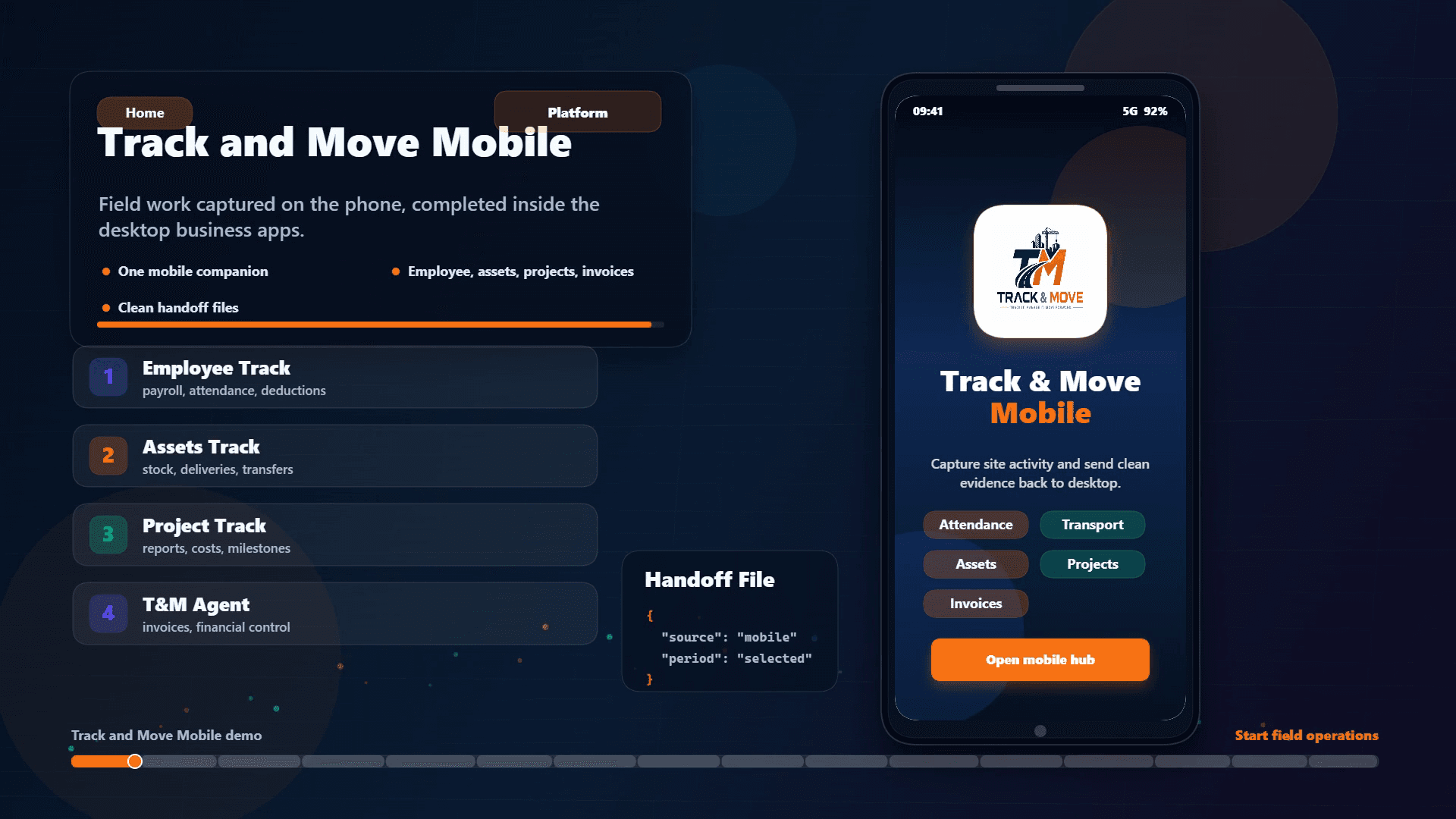
Capture attendance, site inventory, project progress, reminders and mobile invoices in the field, then sync structured data back to desktop.
Free to use · Google Play beta
- Offline-first field workflows
- Face-recognition attendance
- Site inventory, orders and movement confirmations
- Project reports, snags and milestone updates
- Mobile invoices and reminders
Capabilities
Everything you need, nothing you don't.
Register employees, enrol faces, capture clock-ins, clock-outs, absences and transport charges offline.
Send selected attendance, absence and transport records back to Employee Track for controlled payroll processing.
View stock on site, create orders, receive delivery and transfer files, count quantities and return confirmations.
Import or maintain site profiles, record location data, navigate to saved locations and export updates back to office.
Restore a replacement device, add manual stock lines, share stock snapshots and handle dispute shortfalls.
View projects, milestones, site instructions and documents; submit daily reports, costs, snags, delays and wastage.
Create supplier proforma invoices with fixed or quantity-based lines for import into T&M Agent desktop.
Schedule once-off or recurring reminders with dates, times, sounds, vibration and local notifications.
Use the in-app manual for attendance, inventory, project, export, import and reminder workflows.
Use stable JSON handoffs that refresh matching desktop records rather than duplicating data on repeat syncs.
Modular platform
Use Track & Move Mobile on its own.
Track & Move Mobile is the free field companion for the desktop ecosystem and can capture structured field activity for later handoff.
Connected potential
Connect when you are ready.
Controlled handoffs between Employee Track, Assets Track, Project Track, Track & Move Mobile and T&M Agent reduce duplicate administration across the operation.
Public beta access is now available.
Licence purchasing will open after beta testing. Windows apps use signed Microsoft Store installers, and the automatic 30-day app trial begins on first launch.
View beta appsStart with one app. Experience the ecosystem.
Install a signed Windows test app from Microsoft Store, apply for the free Android companion, and help shape Track & Move before desktop licence purchasing opens.